
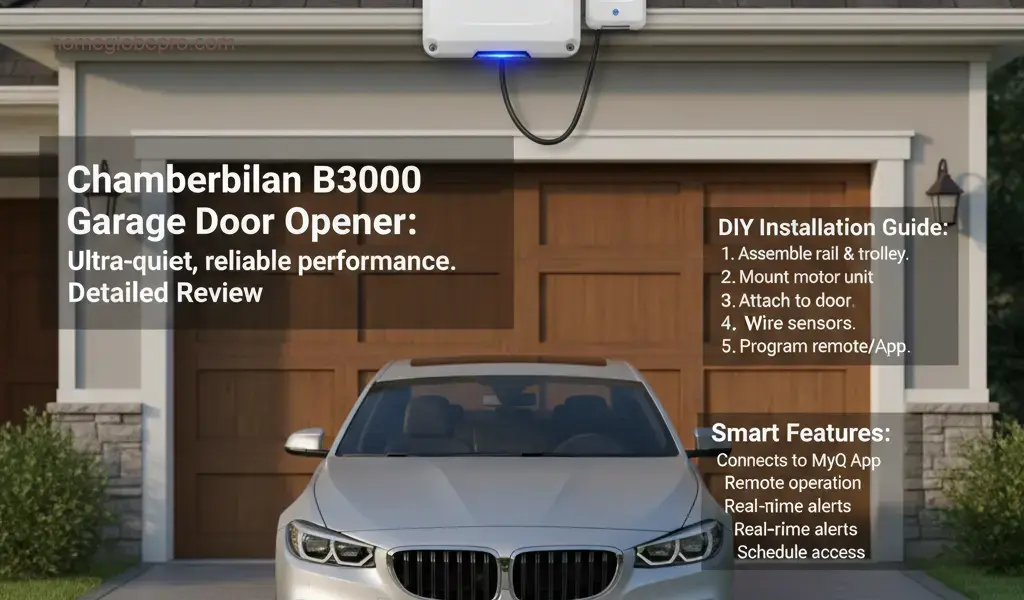
The Chamberlain B3000 Garage Door Opener stands out as a top-tier solution for homeowners seeking a blend of quiet operation, robust reliability, and modern convenience.
Designed with attached garages in mind, its ultra-quiet performance ensures minimal disturbance, making it perfect for homes where peace and quiet are paramount. Beyond its smooth operation, the B3000 offers peace of mind with an included battery backup, guaranteeing access to your garage even during power outages.
Error Codes Explained
Understanding the error codes on your Chamberlain B3000 can help you quickly diagnose and resolve issues. The opener uses a series of blinking lights on the motor unit to indicate specific problems. Here are some common codes and their typical meanings:
- 1-5 Blinks: Safety Reversal Sensor Malfunction
This is the most common issue. It usually means your safety sensors (the small boxes near the bottom of your garage door tracks) are misaligned, obstructed, or have a wiring issue. Check if anything is blocking the beam, clean the sensor lenses, and ensure they are pointed directly at each other. - 6 Blinks: Motor Overload or Internal Issue
This could indicate that the motor is working too hard, perhaps due to a problem with the garage door itself (e.g., unbalanced, broken springs, rollers needing lubrication). Disconnect the opener and try to open and close the door manually to check for resistance. If the door moves freely, there might be an internal motor issue requiring professional service. - Continuous Blinking: Remote/Keypad Programming Issue
If the light blinks continuously after pressing a remote or keypad button, it often suggests a problem with the remote or keypad programming, or interference. Try reprogramming your remote/keypad. - No Lights/No Power: Power Issue
If there are no lights at all, check the power outlet, circuit breaker, and ensure the opener is properly plugged in. The battery backup should kick in if the main power is out.
Always consult your Chamberlain B3000 owner’s manual for a complete list of error codes and troubleshooting steps specific to your model.
DIY Installation Guide
Installing the Chamberlain B3000 can be a rewarding DIY project if you follow the instructions carefully and prioritize safety. Here’s a general overview of the steps:
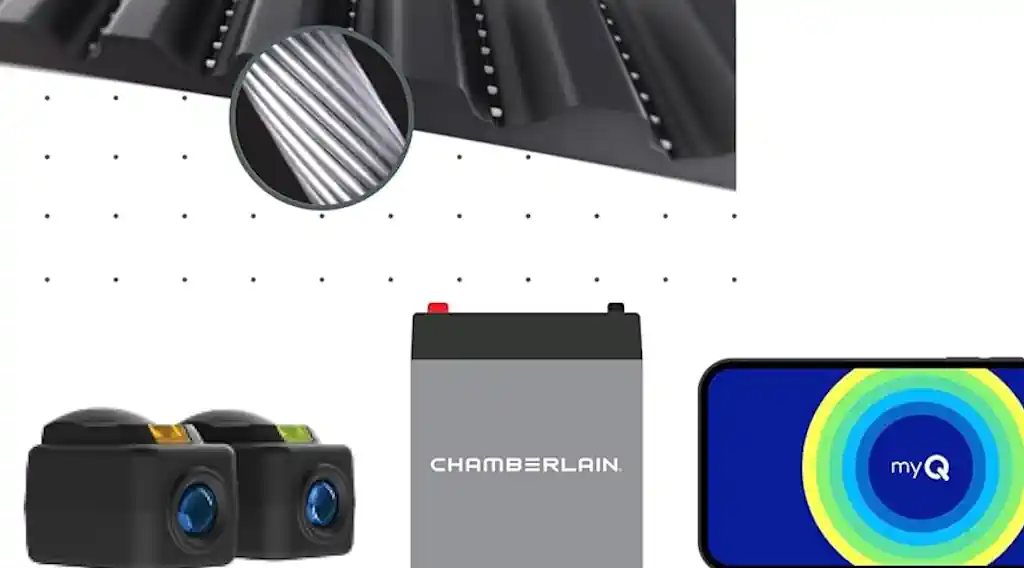
- Safety First: Disconnect power to your old opener (if applicable) and ensure your garage door is balanced and in good working order. Wear safety glasses.
- Assemble the Rail: Follow the manual to assemble the rail sections. This usually involves connecting them and installing the chain or belt drive.
- Mount the Motor Unit: Securely attach the motor unit to the ceiling support bracket. Ensure it’s centered with your garage door.
- Attach the Door Bracket and Arm: Install the door bracket to the top center of your garage door and connect the curved and straight door arms to the trolley and door bracket.
- Install Safety Sensors: Mount the safety sensors 6 inches above the garage floor on either side of the door tracks, ensuring they face each other directly. Run the wires back to the motor unit.
- Install Wall Control: Mount the wall control panel in a convenient location, at least 5 feet above the floor, and run the wires to the motor unit.
- Wire the Opener: Connect all the low-voltage wires (sensors, wall control) to the corresponding terminals on the motor unit. Plug the opener into a grounded electrical outlet.
- Program Travel Limits and Remotes: Follow the manual to set the open and close limits for your door. Then, program your remotes and keypad.
- Test Everything: Thoroughly test the opener, especially the safety reversal system. Place an object (like a 2×4) on the floor in the door’s path to ensure it reverses upon contact.
Remember, this is a general guide. Always refer to the detailed instructions provided in your Chamberlain B3000 owner’s manual for precise steps and safety warnings.
Connecting to the App and Smart Features
The Chamberlain B3000 is MyQ-enabled, allowing you to connect it to your smartphone for enhanced control and monitoring. Here’s how to get started and what smart features you can expect:
- Download the MyQ App: Search for “MyQ” in your smartphone’s app store (iOS or Android) and download it.
- Create an Account: Open the app and follow the prompts to create a new MyQ account.
- Add Your Device: In the MyQ app, select “Add Device” or the “+” icon. Choose “Garage Door Opener” and follow the on-screen instructions to connect your B3000. You’ll typically need to locate the “Learn” button on your opener.
- Connect to Wi-Fi: The app will guide you through connecting your opener to your home’s Wi-Fi network.
Smart Features:
- Remote Control: Open and close your garage door from anywhere using your smartphone.
- Real-time Alerts: Receive notifications when your garage door opens, closes, or if it’s left open for too long.
- Status Monitoring: Check the current status of your garage door (open or closed) at any time.
- Scheduling: Set schedules to automatically close your garage door at specific times, like at night.
- Guest Access: Grant temporary or permanent access to family members or trusted individuals through the app.
- Integrations: MyQ often integrates with other smart home platforms and devices, expanding your home automation possibilities.
What People Are Saying (User Perspectives)
Users consistently praise the Chamberlain B3000 for several key reasons, making it a highly regarded choice in the market:
- Ultra-Quiet Operation: This is by far one of the most frequently highlighted benefits. Homeowners with attached garages, especially those with bedrooms above or adjacent to the garage, rave about how quiet the B3000 is. Many describe it as barely audible, a significant upgrade from older, noisy openers.
- Reliable Performance: Users report consistent and smooth operation, with the opener performing flawlessly day in and day out. The belt drive system contributes to its durability and quietness.
- Battery Backup Peace of Mind: The included battery backup is a major selling point. Reviewers appreciate the assurance that they won’t be locked out during power outages, a practical feature that adds significant value.
- MyQ Smart Features: The MyQ app connectivity receives high marks for convenience. Users love the ability to check their garage door status remotely, open/close it from anywhere, and receive alerts. It adds a layer of security and control that modern homeowners appreciate.
- Relatively Easy Installation: While any garage door opener installation requires attention to detail, many DIYers find the B3000’s instructions clear enough to complete the installation successfully, though some note it can be time-consuming.
Overall, the sentiment is overwhelmingly positive, with users feeling that the B3000 delivers on its promises of quiet, reliable, and smart operation.
Conclusion
The Chamberlain B3000 Garage Door Opener is an excellent investment for anyone seeking a premium, feature-rich solution for their garage. Its standout ultra-quiet operation makes it ideal for attached garages, while the integrated battery backup provides essential peace of mind during power interruptions.
Coupled with the convenience and control offered by the MyQ smart home app, the B3000 delivers a modern, reliable, and user-friendly experience. From its robust performance to its smart capabilities, the Chamberlain B3000 truly excels, making it a highly recommended choice for enhancing your home’s functionality and security.
 Amber
Amber