
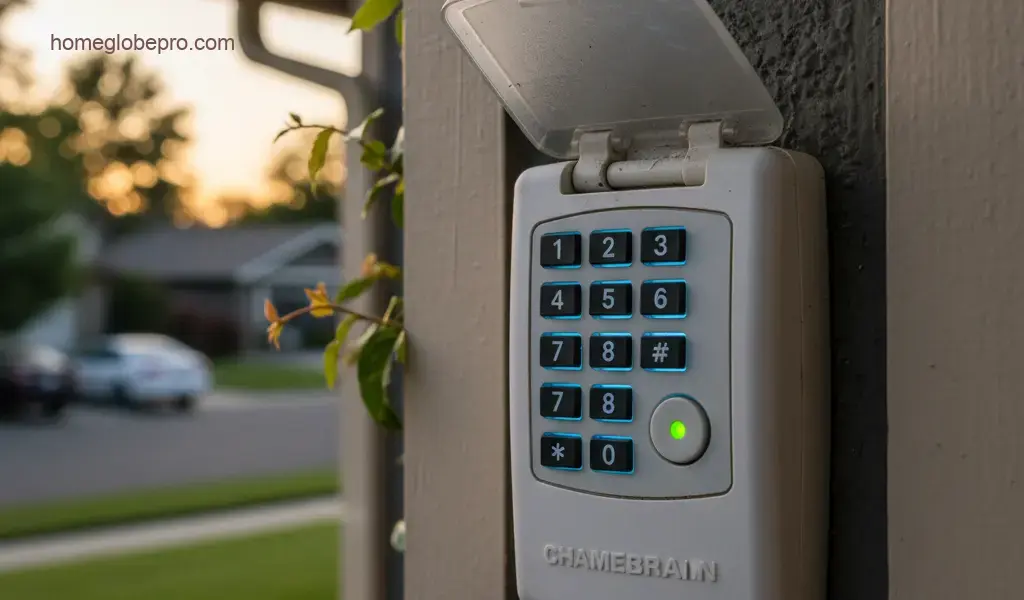
Finding the perfect garage door opener keypad for your Chamberlain models B3000, C2405, B4310, and B4603T is straightforward once you understand their compatibility. These models all utilize Chamberlain’s Security+ 2.0 technology, identifiable by a yellow learn button on the motor head. This guide will help you select, understand, and pair the ideal keypad for your needs.
Compatible Keypads for Chamberlain B3000, C2405, B4310, and B4603T
Given that all these Chamberlain models (B3000, C2405, B4310, and B4603T) operate on the Security+ 2.0 frequency and feature a yellow learn button, you’ll need a keypad that supports this specific technology. Here are the top recommendations:
- Chamberlain 940EV-P2 (or 940EVMC): This is a dedicated Chamberlain keypad designed for Security+ 2.0 openers. It offers seamless compatibility and a robust feature set.
- Chamberlain KLIK2U-P2 (Clicker Universal Keypad): While universal, this keypad is fully compatible with Security+ 2.0 systems. It’s a versatile option if you have or anticipate having openers from different brands.
- Chamberlain 877MAX (LiftMaster equivalent): LiftMaster is a sister company to Chamberlain, and their 877MAX keypad is also universally compatible with Security+ 2.0 (yellow learn button) Chamberlain openers.
How to Pick the Right Keypad
When selecting your keypad, consider the following factors:
- Compatibility is Key: Always ensure the keypad explicitly states compatibility with Security+ 2.0 (yellow learn button) systems. This is the most critical factor for your specific models.
- Features You Need: Do you require a backlit keypad for nighttime use? Is temporary access code functionality important for guests or service providers?
- Brand Preference: Sticking with a Chamberlain-branded keypad like the 940EV-P2 often provides the most straightforward setup and guaranteed compatibility.
- Budget: While keypads are generally affordable, there can be slight price differences between models and brands.
Features of Recommended Keypads
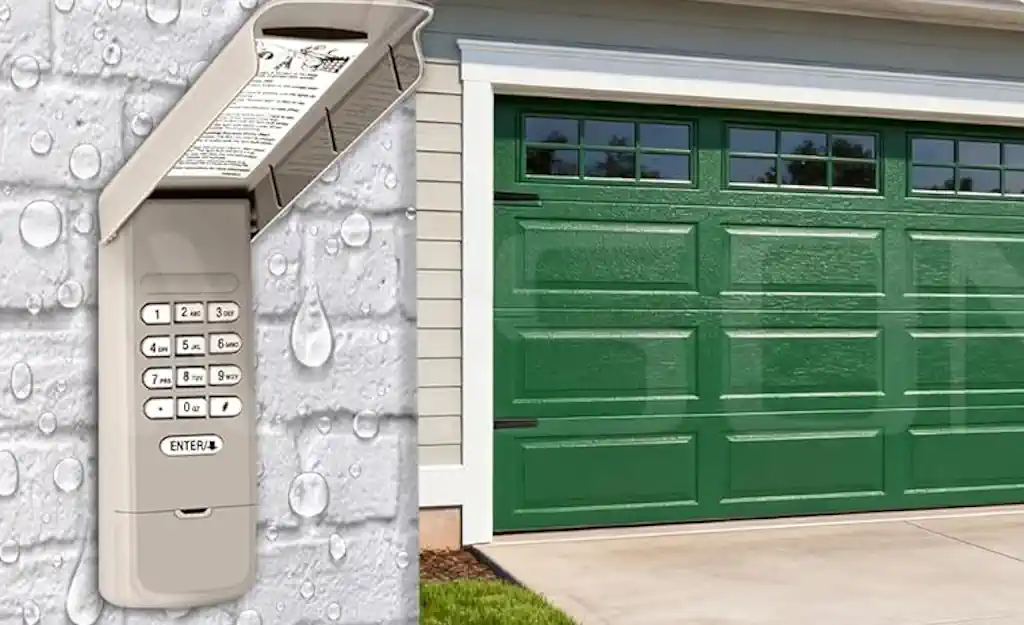
Chamberlain 940EV-P2 (or 940EVMC)
- Security+ 2.0 Compatible: Works perfectly with your B3000, C2405, B4310, and B4603T models.
- Wireless & Easy Installation: Mounts easily to your garage exterior without wiring.
- Temporary Access Codes: Allows you to create temporary PINs for visitors or deliveries, which can be set to expire after a certain number of uses or a specific time frame.
- Backlit Keypad: Ensures visibility even in low-light conditions.
- Weather-Resistant Cover: Protects the keypad from the elements.
- One-Button-to-Close: A convenient feature that allows you to close the garage door with a single button press after entering your PIN.
Chamberlain KLIK2U-P2 (Clicker Universal Keypad)
- Universal Compatibility: While compatible with Security+ 2.0, it also works with most major garage door opener brands, offering great flexibility.
- Wireless & Easy Installation: Similar to the 940EV-P2, it’s simple to install.
- Temporary Access Codes: Provides the ability to generate temporary access codes.
- Backlit Keypad: For easy use at night.
- Weather-Resistant Cover: Designed to withstand various weather conditions.
Which Keypad is Best to Use?
For your specific Chamberlain models (B3000, C2405, B4310, and B4603T), both the Chamberlain 940EV-P2 and the Chamberlain KLIK2U-P2 are excellent choices. However, the Chamberlain 940EV-P2 is often considered the best option due to its direct Chamberlain branding and specific design for Security+ 2.0 systems. It offers a robust and dedicated solution that ensures optimal compatibility and performance with your openers.
The KLIK2U-P2 is a fantastic universal keypad, but if you’re solely focused on Chamberlain Security+ 2.0 openers, the 940EV-P2 provides a slightly more tailored experience.
How to Pair Your Keypad with Your Garage Door Opener
The pairing process for your Chamberlain B3000, C2405, B4310, and B4603T models is identical because they all use the Security+ 2.0 (yellow learn button) technology. Follow these simple steps:
General Pairing Process for Security+ 2.0 (Yellow Learn Button) Models
- Locate the Learn Button: On the back or side panel of your garage door opener motor head, find the yellow “Learn” button.
- Press the Learn Button: Press and immediately release the yellow Learn button. The LED indicator light next to the button will glow steadily for 30 seconds, indicating it’s ready to receive a signal.
- Enter Your Personal Identification Number (PIN): Within 30 seconds of pressing the learn button, go to your new keypad. Enter your desired 4-digit (or more) personal identification number (PIN).
- Press the Enter Button: After entering your PIN, press and hold the “Enter” button (or the specific programming button, often a large “Enter” or “#” button) on the keypad.
- Release the Button: Release the “Enter” button when the garage door opener lights flash or you hear two clicks. This signifies that the keypad has successfully been programmed.
- Test the Keypad: Enter your newly programmed PIN on the keypad and press “Enter.” Your garage door should activate, confirming successful pairing.
Specific Notes for Models (B3000, C2405, B4310, B4603T)
As all these models utilize the same Security+ 2.0 technology with a yellow learn button, the general pairing process described above applies universally to each of them. There are no unique model-specific steps for programming the keypad. The key is always to locate and use the yellow learn button on your opener’s motor head.
 Amber
Amber