
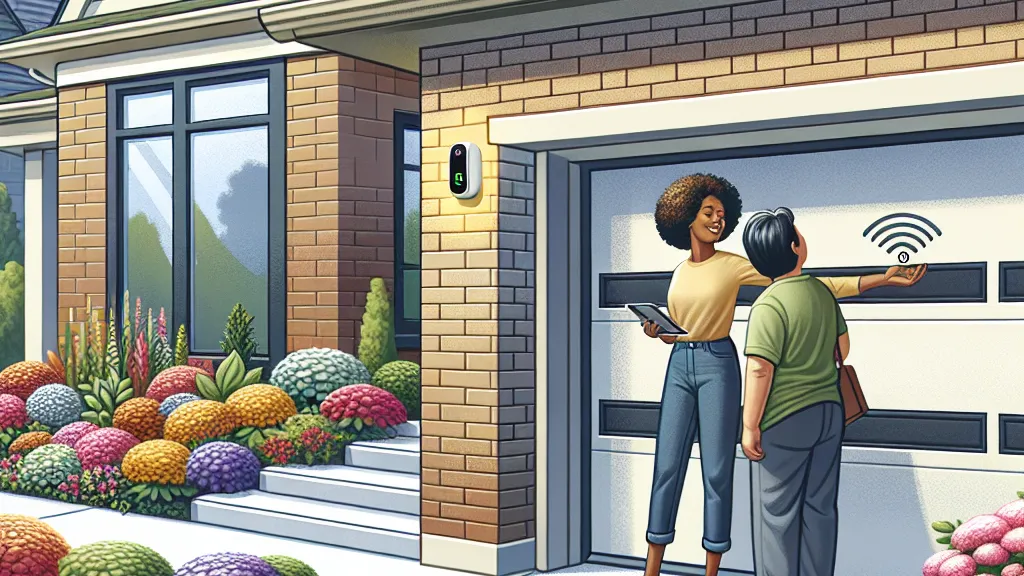
Modern living demands convenience, and few things epitomize daily ease more than seamless access to your home. Gone are the days of fumbling for keys or remotes in the rain. Today’s “easy entrance” solutions, particularly smart garage door openers, offer unparalleled comfort, security, and even automated entry as you approach your home.
This comprehensive guide will walk you through the world of smart access, focusing on how to set up your garage door to open automatically when you’re close with your car.
Why Upgrade to Easy Entrance Solutions?
Embracing smart entry isn’t just about luxury; it’s about enhancing your daily life in several practical ways:
- Unmatched Convenience: Imagine pulling into your driveway, and your garage door is already opening. No more stopping, searching for a remote, or getting out in bad weather or late at night.
- Enhanced Security: Many smart systems offer remote monitoring, real-time alerts on door activity, and the ability to grant temporary access codes, providing peace of mind whether you’re home or away.
- Increased Accessibility: For seniors, individuals with disabilities, or even parents with hands full of groceries and children, automated access makes entering and exiting your home significantly easier and safer.
- Smart Home Integration: Modern openers can integrate with your broader smart home ecosystem, allowing for complex routines like turning on lights when the garage opens or locking your front door when you leave.
- Property Value: Smart home features, including automated entry, are increasingly attractive to potential homebuyers, adding value to your property.
Types of Easy Entrance Door Openers
While our focus is primarily on garage doors, “easy entrance” encompasses a range of technologies for various doors.
Garage Door Openers
Traditional garage door openers used a simple radio frequency remote. While still prevalent, the market has evolved to offer much smarter solutions:
- Smartphone Apps: Transform your phone into a remote control, offering the ability to open, close, and monitor your garage door from anywhere. This is key for automatic opening.
- Smart Home Integration: Connects with platforms like Amazon Alexa, Google Assistant, Apple HomeKit, or SmartThings for voice control and advanced automation.
- Keypads: Provide keyless entry using a PIN, great for family members or trusted visitors without a remote or phone.
- Vehicle Integration (e.g., HomeLink): Built-in buttons in your car’s visor or rearview mirror can be programmed to control your garage door, offering seamless control from inside your vehicle.
- Proximity/Geofencing Devices: These are the stars for automatic opening, using your smartphone’s location to trigger the garage door when you enter a predefined area.
Front Door Smart Locks
For your main entry door, smart locks offer similar benefits of keyless and remote access:
- Keypad Entry: Enter a code instead of using a physical key.
- Fingerprint Scanners: Biometric access for quick and secure entry.
- Smartphone Control: Lock or unlock your door remotely via an app.
- Auto-Lock/Unlock: Some smart locks can automatically lock when you leave or unlock when you approach (often via Bluetooth or Wi-Fi).
The Ultimate Convenience: Automatic Garage Door Opening
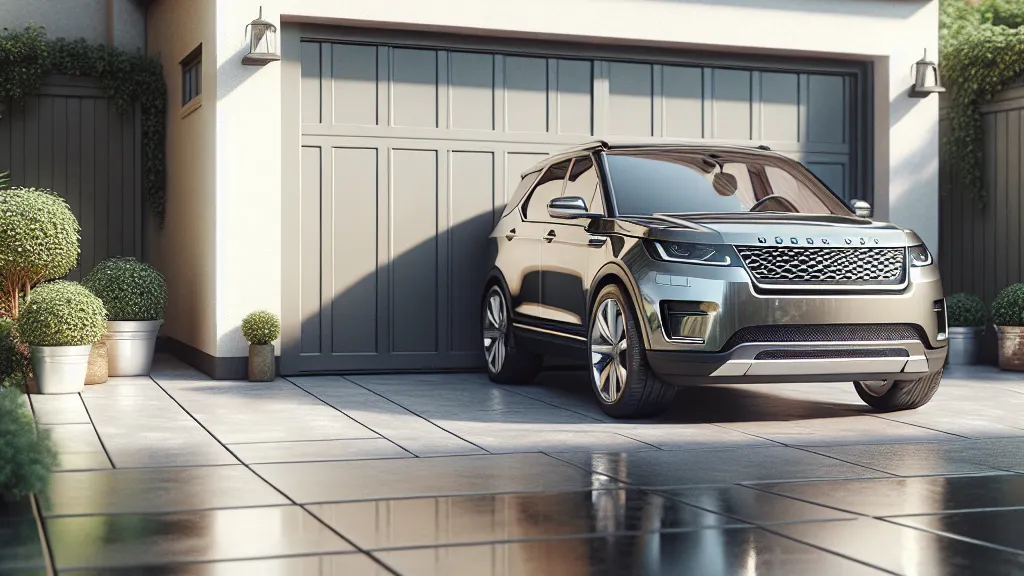
The dream of your garage door opening as you approach is now a readily available reality. This feature relies primarily on geofencing, a technology that uses your smartphone’s GPS to create a virtual boundary around your home. When your phone enters or exits this boundary, it triggers an action – in this case, opening your garage door.
How to Set Up Your Garage Door to Open Automatically with Your Car
Achieving this seamless automation primarily involves a smart garage door opener system that supports geofencing. Here’s a step-by-step guide:
Method 1: Using a Smart Garage Door Opener and Smartphone App (Geofencing)
This is the most common and effective method for automatic opening based on your proximity.
Step 1: Acquire a Compatible Smart Garage Door Opener or Controller
You’ll need a smart garage door opener or a “smart controller” that attaches to your existing opener. Popular options include:
- Chamberlain MyQ Smart Garage Hub: A widely compatible retrofit device.
- Tailwind iQ3 Smart Garage Door Opener: Known for robust geofencing and multi-door control.
- Nexx Smart Garage Door Opener: Another popular retrofit option with geofencing.
- Newer Garage Door Openers: Many new openers come with built-in smart capabilities (e.g., Chamberlain’s MyQ-enabled openers, LiftMaster’s myQ openers).
Step 2: Install and Connect Your Smart Opener
- Follow Manufacturer Instructions: Each device will have specific installation steps. For a retrofit controller, you’ll typically mount it near your existing garage door opener motor and connect it to the opener’s control wires (often the same terminals as your wall button).
- Connect to Wi-Fi: Crucially, your smart opener or hub needs to connect to your home’s Wi-Fi network to communicate with the internet and your smartphone app. Follow the in-app instructions for Wi-Fi setup.
Step 3: Download the Associated Smartphone App
Search for the app corresponding to your smart opener (e.g., MyQ, Tailwind, Nexx Home) in your phone’s app store (iOS or Android). Create an account and link your smart opener device to the app.
Step 4: Enable Geofencing within the App
This is the core step for automatic opening.
- Locate Geofencing Settings: Within your smart opener’s app, look for settings related to “Geofencing,” “Auto-Open,” “Automation,” or “Location Services.”
- Grant Location Permissions: Your phone will ask for permission for the app to access your location. You must grant “Always Allow” or “Allow all the time” access for geofencing to work reliably in the background.
- Set Your Geofence Radius: Define a “zone” around your home. When your phone enters this zone, the action will trigger. Most apps allow you to adjust the radius (e.g., 500 feet, a quarter-mile). Start with a larger radius and adjust as needed for optimal performance and safety.
- Configure the “Open” Action: Specify what should happen when you enter the geofence (e.g., “Open Garage Door 1”). You may also be able to set a “Close” action for when you leave.
- Safety Prompts (Important!): Some apps will include safety prompts or require a confirmation tap for auto-opening to prevent accidental openings. Review these carefully.
Step 5: Test Thoroughly
- Drive Away and Back: Drive a significant distance outside your geofence zone and then approach your home. Observe if the door opens automatically.
- Adjust Radius: If it opens too soon, too late, or not at all, adjust the geofence radius.
- Observe Stability: Ensure the feature works consistently.
Method 2: Advanced Smart Home Routines (e.g., IFTTT, SmartThings)
For even more customization, you can often integrate your smart garage door opener into broader smart home platforms that offer more powerful automation rules.
- IFTTT (If This Then That): You can create “applets” where “If my phone enters this area, then open the garage door.” This can connect different brands and services.
- SmartThings/Home Assistant: If you have a robust smart home hub, you can create more complex routines. For example, “When my phone enters the home zone AND it’s between 6 PM and 9 PM, THEN open the garage door AND turn on the garage lights.”
Important Considerations for Automatic Opening:
- Safety Sensors: Ensure your garage door has functional photo-eye safety sensors. These are crucial to prevent the door from closing on a person, pet, or object.
- Phone Battery Life: Constant location tracking can impact your phone’s battery.
- Location Services: Ensure your phone’s location services are always on and accurate.
- False Positives: Very rarely, GPS inaccuracies can lead to unintended openings. Test thoroughly and consider apps with confirmation prompts.
- Privacy: Be aware that using geofencing means sharing your location data with the app provider.
Safety First: Essential Considerations for Any Easy Entrance System
While convenience is king, safety and security must always be paramount.
- Photo-Eye Sensors: For garage doors, these are legally mandated and vital. They project an invisible beam across the garage door opening. If the beam is broken while the door is closing, it automatically reverses. Never disable these!
- Strong Passwords & Encryption: Use strong, unique passwords for your smart home accounts. Ensure your devices and apps use robust encryption to protect your data.
- Two-Factor Authentication (2FA): Enable 2FA whenever available for an extra layer of security on your accounts.
- Manual Override: Always ensure there’s a reliable manual release for your garage door in case of power outages or system malfunctions.
- Regular Testing: Periodically test your automatic opening features and safety sensors to ensure they are working correctly.
- Guest Access Management: If granting temporary access, ensure you can easily revoke codes or permissions when no longer needed.
Choosing the Right Easy Entrance Solution for You
When selecting an easy entrance system, consider the following:
- Budget: Smart garage controllers range from $50-$200, while new smart garage door openers can be $200-$500+.
- Compatibility: Check if the system works with your existing garage door opener (if using a retrofit) and your preferred smart home ecosystem (Alexa, Google Home, etc.).
- Key Features: Prioritize features like geofencing for auto-open, remote monitoring, activity logs, and voice control based on your needs.
- Installation: Many retrofit smart controllers are DIY-friendly, but new opener installations might require a professional.
- Reliability & Reviews: Research brands and read user reviews to gauge reliability and app performance.
Conclusion
Embracing easy entrance and smart garage door openers is a significant step towards a more convenient, secure, and future-forward home. The ability to have your garage door automatically open as you arrive, coupled with remote monitoring and smart home integration, transforms a mundane daily task into a seamless experience. By carefully selecting the right system and following safety best practices, you can unlock the full potential of automated home access and truly arrive home with ease.