
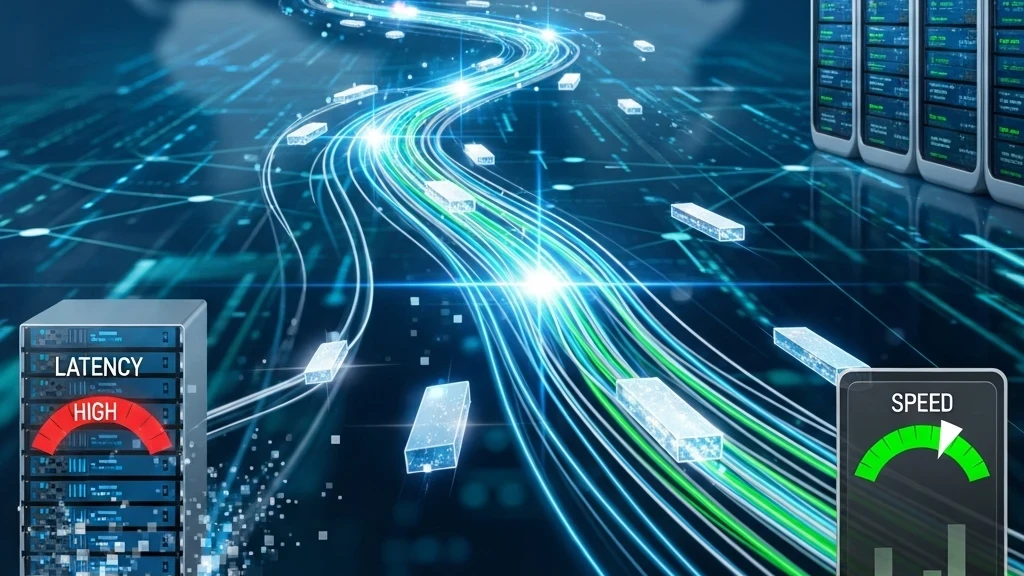
Have you ever wondered why your internet connection sometimes feels sluggish, even when your speed test reports sky-high numbers? Or why your online game is “laggy” despite a fast download speed? The answer often lies in understanding two distinct, yet equally crucial, concepts: Internet Speed and Latency. While often confused, they play fundamentally different roles in your online experience. Let’s dive in and clear up the confusion!
What Exactly Is Internet Speed?
When most people talk about “internet speed,” they’re usually referring to their bandwidth. Think of your internet connection like a highway or a water pipe.
- Speed (Bandwidth) is the width of that highway or pipe. It determines how much data can travel through it simultaneously in a given amount of time.
It’s measured in megabits per second (Mbps) or gigabits per second (Gbps). A higher number means a wider pipe, allowing more data to flow at once.
What Does High Speed Impact?
- Downloading/Uploading Large Files: Faster speeds mean quicker downloads of movies, games, or software updates, and faster uploads of videos or photos to the cloud.
- Streaming Quality: High-definition (HD), 4K, or 8K video streaming requires significant bandwidth to deliver smooth, buffer-free playback.
- Multiple Users/Devices: A wider pipe can accommodate more devices (laptops, phones, smart TVs) and users simultaneously without significant slowdowns.
- Data-Intensive Tasks: Tasks like cloud backups or transferring large datasets benefit immensely from higher speeds.
If you’re experiencing constant buffering during Netflix binges or agonizingly slow file transfers, your internet speed is likely the culprit.
And What About Latency?
If speed is the width of the pipe, then latency is the time it takes for a single drop of water to travel from one end of the pipe to the other. It’s the delay, or lag, in data transmission.
- Latency (Ping) is the time it takes for a small packet of data to travel from your device to a server on the internet and back again. This round-trip time is often called ping.
It’s measured in milliseconds (ms). A lower number means less delay, indicating a more responsive connection.
What Does Low Latency Impact?
- Online Gaming: This is where latency truly shines (or breaks your experience). Every action you take (moving, shooting, opening a menu) sends data to the game server, and a low ping ensures your actions are registered almost instantly. High latency (lag) can make games unplayable.
- Video Conferencing: During a Zoom or Google Meet call, low latency ensures that conversations flow naturally without awkward delays between speaking and hearing responses.
- Real-time Applications: Anything that requires immediate feedback, like remote desktop control, stock trading platforms, or even fast-paced online shopping, benefits from low latency.
- General Web Browsing: While speed helps pages load quickly after the initial request, low latency makes the initial request and response faster, making your browsing feel snappier and more responsive.
If you’re constantly seeing “lag spikes” in your favorite game or struggling with choppy, out-of-sync video calls, your internet latency is likely the issue.
The Crucial Difference: An Analogy
Let’s revisit our water pipe analogy:
| Feature | Internet Speed (Bandwidth) | Latency (Ping) |
|---|---|---|
| Analogy | Width of the water pipe | Length of the water pipe |
| What it measures | How much data can flow per second | How long it takes for data to start flowing |
| Units | Mbps, Gbps | Milliseconds (ms) |
| Optimal Value | Higher is better | Lower is better |
| Key Impact | Downloads, streaming quality | Responsiveness, real-time feel |
You can have a very wide pipe (high speed) that’s incredibly long (high latency). This means you can download a massive file quickly, but it takes a long time for the download to start, or for your commands in a game to register. Conversely, a narrow pipe (low speed) that’s very short (low latency) would mean your game commands register instantly, but downloading a game update would take forever.
For the best online experience, you ideally want both high speed and low latency.
Factors Affecting Speed and Latency
While they are distinct, some factors can influence both:
Factors Affecting Speed:
- Your ISP Plan: The package you pay for directly dictates your maximum theoretical speed.
- Network Congestion: Too many users on your local network or your ISP’s network can slow things down.
- Router/Modem Quality: Older or low-quality equipment can bottleneck your connection.
- Wi-Fi Interference: Other devices, walls, and distance can degrade Wi-Fi signal, reducing effective speed.
Factors Affecting Latency:
- Distance to Server: The further the server you’re connecting to (e.g., a gaming server across the world), the longer the data has to travel, leading to higher latency.
- Network Congestion: Similar to speed, a crowded network can introduce delays as data packets wait their turn.
- Type of Connection:
- Ethernet (wired) connections generally have lower latency than Wi-Fi (wireless).
- Fiber optic connections typically offer the lowest latency and highest speeds.
- Satellite internet is notorious for high latency due to the vast distance data must travel to space and back.
- Router/Modem Processing Time: The time your networking equipment takes to process data packets adds to latency.
How to Check Your Internet Connection
There are many free online tools to check both your speed and latency. Simply search for “internet speed test” or “ping test.” These tests will usually show:
- Download Speed: How fast your device can pull data from the internet.
- Upload Speed: How fast your device can send data to the internet.
- Ping (Latency): The round-trip time in milliseconds.
For an accurate reading, try to perform the test using an Ethernet cable directly connected to your router and ensure no other devices are heavily using the internet at the time.
Improving Your Online Experience
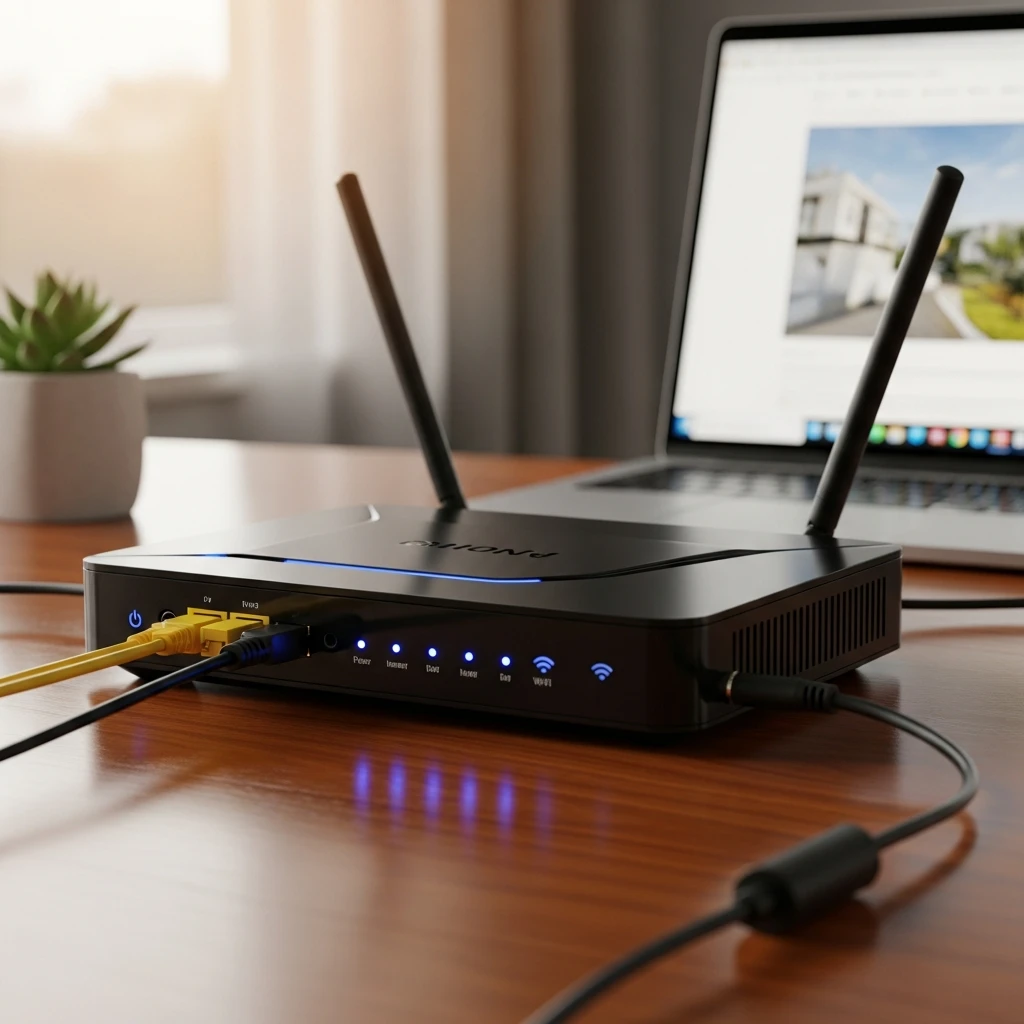
Understanding speed and latency empowers you to troubleshoot and optimize your internet connection:
- Upgrade Your Plan: If you consistently run out of bandwidth (buffering, slow downloads), consider a faster internet plan from your ISP.
- Go Wired: For critical applications like online gaming or video conferencing, use an Ethernet cable instead of Wi-Fi to drastically reduce latency.
- Optimize Your Wi-Fi:
- Place your router centrally and away from obstructions.
- Use the 5GHz band for newer devices for better speed and less interference (though it has a shorter range).
- Ensure your router firmware is up to date.
- Reduce Network Congestion: Limit concurrent high-bandwidth activities (e.g., streaming 4K while downloading a game).
- Consider Server Location: If you play online games, choose servers geographically closer to you for lower ping.
- Upgrade Equipment: An old router or modem might not be able to handle your current internet plan’s capabilities.
Conclusion
Internet speed and latency are two sides of the same coin, each essential for a complete and satisfying online experience. Speed dictates how much data you can move, while latency dictates how quickly that data responds to your commands. By understanding both, you can better diagnose issues, make informed decisions about your internet plan, and ultimately enjoy a smoother, more responsive digital life. No more blaming “the internet” – now you know whether it’s the speed or the lag that’s holding you back!