
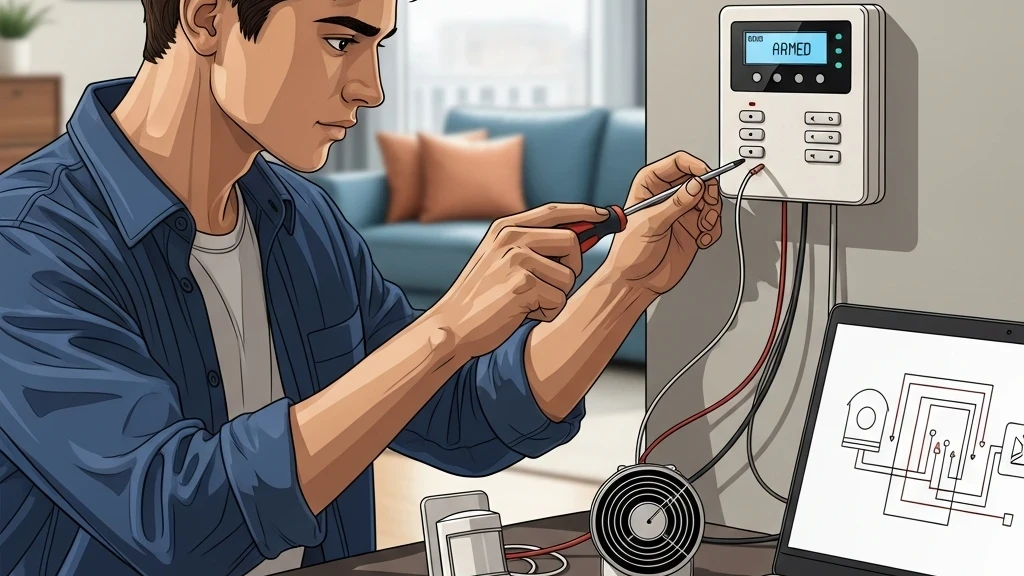
Home security is a paramount concern for every homeowner. While professional monitoring services offer peace of mind, they often come with recurring monthly fees and fixed system configurations. What if you could build a robust, customizable, and budget-friendly security system tailored exactly to your home’s needs? Enter the world of DIY alarm systems!
Why Go DIY? The Allure of Homegrown Security
Deciding to build your own home alarm system isn’t just about saving money (though that’s a big part of it!). It’s about taking control, understanding your system inside and out, and creating a security solution that truly fits your lifestyle.
Here are some compelling reasons to consider the DIY route:
- Cost-Effectiveness: Eliminate those pesky monthly subscription fees. Once you’ve purchased your components, the system is yours, often resulting in significant long-term savings.
- Customization & Scalability: Want a sensor on every window? A camera in the dog’s room? A siren that syncs with your smart lights? DIY allows for endless possibilities. You can start small and expand your system as your needs (and budget) evolve.
- No Contracts: You’re not tied to any service provider, giving you complete freedom and flexibility.
- Privacy & Control: You decide what data is collected, where it’s stored, and who has access to it. With many DIY systems, your data stays within your local network.
- Learning Experience: For tech enthusiasts, it’s a rewarding project that deepens your understanding of smart home technology and network security.
The Core Components of a DIY Alarm System
A DIY alarm system, at its heart, is a network of sensors, a central brain, and a way to alert you (or others) when something is amiss. Here’s a breakdown of the key elements you’ll typically encounter:
1. The Main Hub/Controller
This is the “brain” of your operation, coordinating all your sensors and triggering alerts.
- Raspberry Pi/Arduino: For the truly hands-on, these microcomputers offer immense flexibility. Running open-source software like Home Assistant or OpenHAB, they can integrate virtually any smart device.
- Dedicated Smart Hubs: Devices like SmartThings, Hubitat, or Homey provide a user-friendly interface and robust integration capabilities for various smart home protocols (Z-Wave, Zigbee, Wi-Fi).
- Old Smartphone/Tablet: A surprisingly capable hub for basic systems, running security camera apps (e.g., AlfredCamera) or home automation apps.
2. Sensors – Your Eyes and Ears
These devices detect intrusions and send signals to your hub.
- Door/Window Contact Sensors: The most common type. Two parts attach to a door/window and its frame; an alarm triggers when the contact is broken. Available in wired (GPIO for RPi) and wireless (Z-Wave, Zigbee, Wi-Fi) versions.
- PIR Motion Sensors: Passive Infrared sensors detect changes in heat signatures, ideal for covering larger areas like living rooms or hallways.
- Glass Break Sensors: Listen for the specific frequency of breaking glass, providing an early warning for forced entry through windows.
- Vibration Sensors: Useful for detecting attempts to pry open windows or tamper with valuables.
- Environmental Sensors (Optional but Recommended):
- Water Leak Sensors: Detect plumbing failures, protecting against costly water damage.
- Smoke/CO Detectors: Can often be integrated into your smart home system for enhanced notifications.
3. Alerting Mechanisms
When an event is detected, how does your system tell you?
- Siren/Strobe Light: A loud local deterrent that can scare off intruders and alert neighbors.
- Notifications:
- SMS/Text Messages: Instant alerts to your phone.
- Email: Detailed notifications, potentially with camera snapshots.
- Push Notifications: Via a dedicated app (e.g., Home Assistant app, SmartThings app).
- IP Cameras: Provide visual verification of an event, allowing you to see what’s happening in real-time. Many offer motion detection and recording capabilities.
4. Power Supply
Reliability is key.
- Standard Wall Power: Most devices run on mains power.
- Battery Backup (UPS): Essential for your hub and critical components, ensuring your system remains operational during power outages.
- Battery-Powered Sensors: Many wireless sensors use batteries, offering flexibility in placement.
5. Connectivity
How your devices communicate.
- Wi-Fi: Common for cameras and some smart devices.
- Z-Wave/Zigbee: Low-power, mesh networking protocols popular for sensors due to their reliability and range. Requires a compatible hub.
- Ethernet: For wired reliability, often used for hubs or high-bandwidth cameras.
- Bluetooth: Less common for core security, but used for some peripheral devices.
Putting It Together: DIY Alarm System Examples
Let’s look at a few common DIY setups, ranging from beginner-friendly to more advanced.
Example 1: The “Smart Home Hub” Approach
This is a great starting point for those who want robust functionality without deep coding.
- Hub: A SmartThings Hub or Hubitat Hub. These hubs are user-friendly and support a wide range of Z-Wave and Zigbee devices.
- Sensors: Purchase Z-Wave or Zigbee door/window contact sensors for all entry points. Add PIR motion sensors in key areas like hallways and living rooms.
- Alerts:
- Receive push notifications directly to your smartphone via the hub’s app.
- Integrate a Z-Wave/Zigbee smart siren for a local deterrent.
- Set up automated routines (e.g., if a door opens while armed, turn on all smart lights to 100% brightness and flash them).
- Camera: Add a Wi-Fi IP camera (like a Wyze Cam or Arlo) that integrates with your hub or offers its own app-based alerts and recording.
Pro-tip: Many hubs allow “arming” and “disarming” modes, similar to professional systems, easily controlled via the app or a smart button.
Example 2: The “Raspberry Pi Powerhouse”
For the tech-savvy, a Raspberry Pi offers unparalleled customization and privacy.
- Hub: A Raspberry Pi 4 running Home Assistant OS. This open-source platform allows integration with almost anything.
- Sensors:
- Connect USB Z-Wave/Zigbee dongles to the Pi to support a wide array of wireless sensors.
- For a more industrial feel, you can even wire basic reed switches and PIR sensors directly to the Pi’s GPIO pins, writing custom Python scripts to monitor them.
- Alerts:
- Configure email alerts (e.g., via your Gmail account).
- Use a service like Twilio for SMS alerts (may incur small costs per message).
- Set up push notifications via the Home Assistant Companion app.
- Connect a 12V siren to a relay module, controlled by the Raspberry Pi.
- Camera: Integrate RTSP IP cameras or even a USB webcam directly into Home Assistant for live streams and motion-triggered recordings.
Benefit: With Home Assistant, you own your data and have complete control over every automation rule.
Example 3: The “Budget-Friendly Basics” (Smartphone-Centric)
A great entry point if you have an old smartphone lying around and a minimal budget.
- Hub: An old Android or iOS smartphone/tablet always connected to Wi-Fi and power.
- Sensors:
- Download an app like AlfredCamera or Manything to turn the phone into a basic motion-detecting camera, sending push notifications.
- Supplement with standalone battery-powered door/window alarms that emit a loud local siren when triggered. These don’t integrate with the phone but provide an audible deterrent.
- Alternatively, simple contact sensors that transmit via Wi-Fi (e.g., from brands like Meross or Sonoff) can send alerts to their own apps.
- Alerts:
- Push notifications from the camera app.
- Local siren from standalone sensors.
- Camera: The old phone itself acts as the primary camera. You can add a cheap Wyze Cam for additional coverage, also notifying via its own app.
Note: This approach is less integrated but highly cost-effective for basic monitoring.
Pros and Cons of a DIY Home Alarm System
Like any solution, DIY security has its upsides and downsides.
| Feature | Pros of DIY System | Cons of DIY System |
|---|---|---|
| Cost | Significantly lower long-term costs; no monthly fees. | Initial component purchase can be an upfront investment. |
| Customization | Fully adaptable to your specific needs and preferences. | Requires you to plan and design the system yourself. |
| Control | Full ownership of your data and system configuration. | No professional monitoring unless you integrate with a third-party service. |
| Scalability | Easy to add or remove components as needs change. | Compatibility issues can arise between different brands/protocols. |
| Installation | Learn about your system; satisfaction of building it. | Requires technical aptitude, time, and patience for setup and troubleshooting. |
| Maintenance | You’re in charge of updates, battery changes, repairs. | Relies on your vigilance for maintenance and security updates. |
| Reliability | Can be very robust if well-designed. | Requires careful configuration and testing to prevent false alarms or failures. |
Is a DIY System Right for You?
Building your own home alarm system is a rewarding endeavor that offers unparalleled control, flexibility, and cost savings. However, it’s not for everyone. It requires a certain level of technical comfort, a willingness to learn, and the commitment to maintain the system yourself.
If you enjoy tinkering, value customization, and want to avoid recurring fees, then diving into the world of DIY home security could be the perfect project for you. Start with a clear plan, research your components, and remember to test your system thoroughly! Your peace of mind is worth the effort.